


EA SPORTS FC™ 26
EA SPORTS FC™ 26
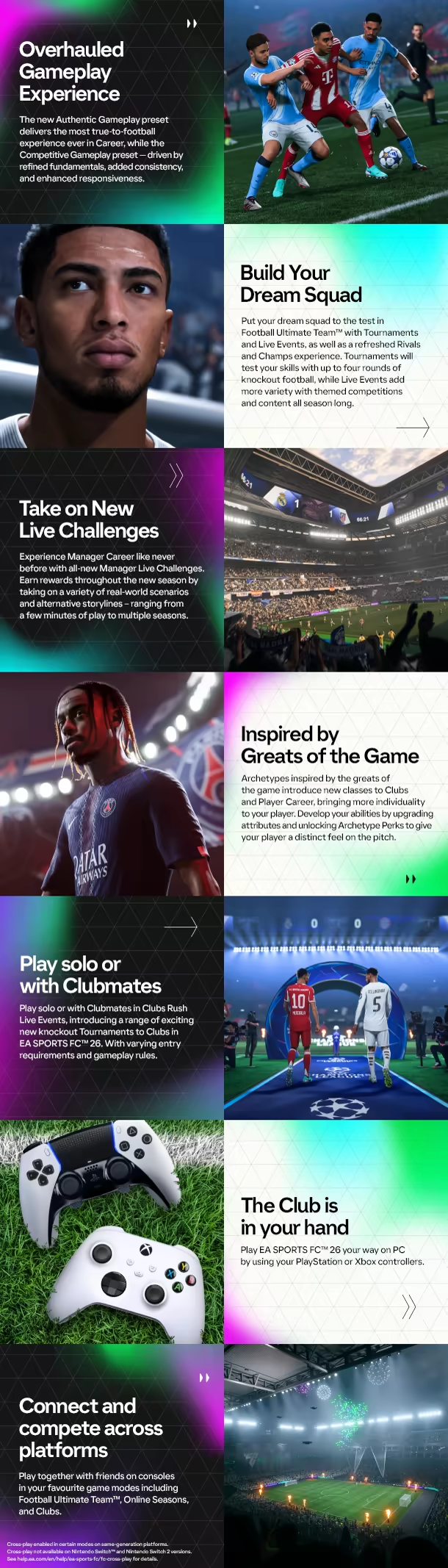
The Club is Yours in EA SPORTS FC™ 26. Play your way with an overhauled gameplay experience powered by community feedback, Manager Live Challenges that bring fresh storylines to the new season, and Archetypes inspired by greats of the game.


How to Redeem Your Xbox Key
1. Open the Xbox Redemption Page
- Go to: https://redeem.microsoft.com
- Log in to your Microsoft / Xbox account (or create one)
2. Enter Your Code
- Enter your 25-character Xbox key exactly as provided
- Click Next
3. Confirm Activation
- Check the product details
- Click Confirm to redeem
4. Access Your Content
- Your game or balance will be added to your account
- Games → Available in your Library
- Gift cards → Added to your account balance